
Vision
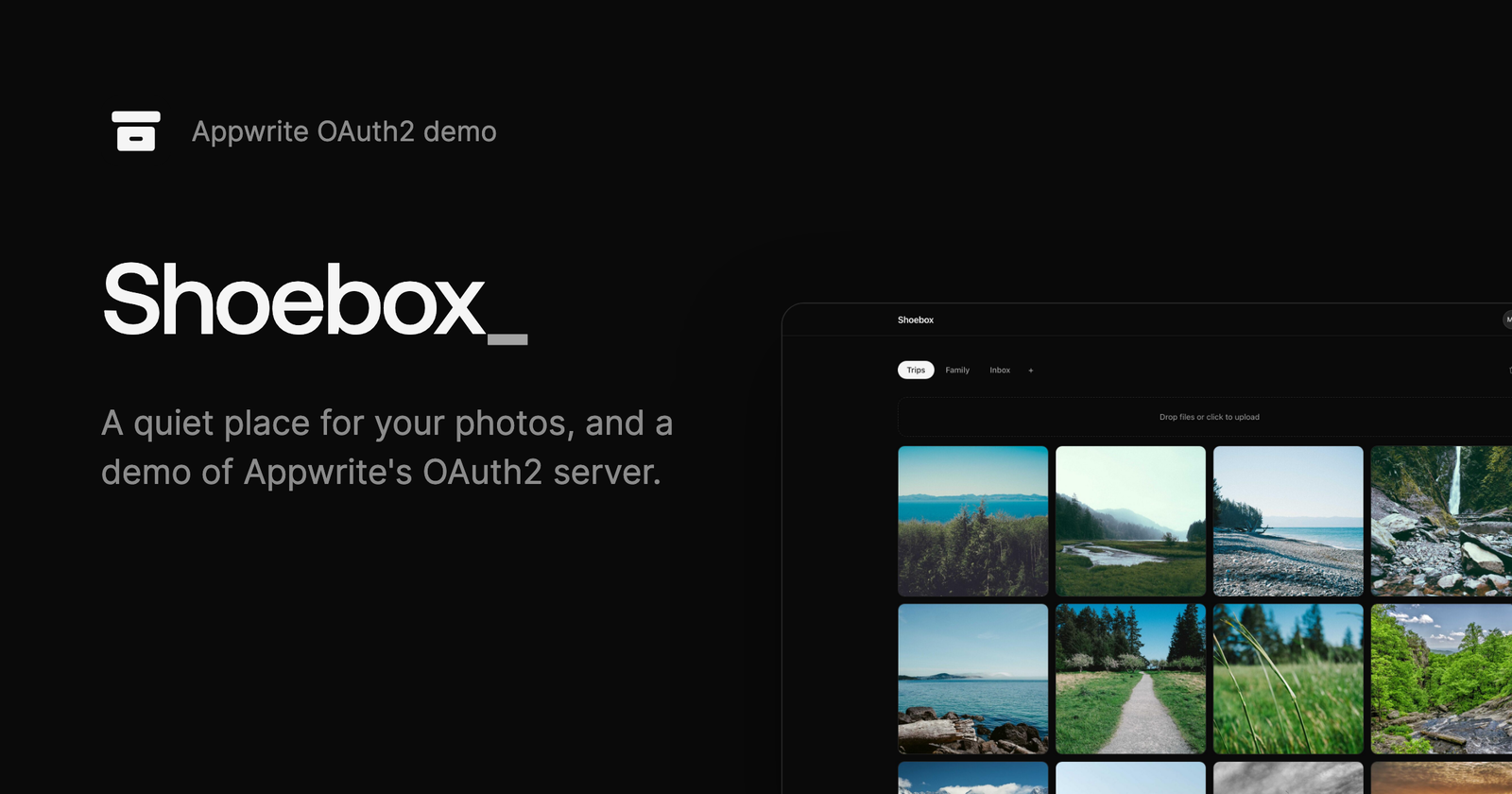
I needed a demo project for a Friday presentation: a technical deep dive into Appwrite’s OAuth2 server, which I developed. Slides alone don’t show what an OAuth2 provider is good for, so I built a small app that becomes one. Shoebox is a private photo gallery that other apps can ask to access, with a “Sign in with Shoebox” flow on top of Appwrite.
The name comes from the real world. A shoebox is where people keep their old printed photos.
Quiet was the main design principle, both in features and in code. A user signs in, gets an Inbox gallery, creates more galleries, and drops photos into them. Nothing more. The goal was an app I can present, explain and teach in 30 minutes, and every extra feature would make that harder.
The third-party side is where the OAuth2 server comes in. I imagined the client as a CLI or an MCP server that wants to read your photos. Instead of giving it your whole account, you pick exactly one gallery it may see, and it gets temporary links to the photos in that gallery and nothing else.
It also served as a test for Auth UI 2, my new drop-in sign-in library for Appwrite, which I had published just four days earlier.
Shoebox is the demo app in Turn your app into an identity provider with OAuth 2.1, a video on Appwrite’s YouTube channel:
Technologies
- Astro with a single React island
- Tailwind CSS
- Auth UI 2 for sign-in
- Appwrite Auth and the OAuth2 server
- Appwrite Databases
- Appwrite Storage with its S3-compatible API
- Appwrite Functions on Bun
- Appwrite Sites
Since I expected a minimal app, I went with Astro. For anything bigger, I would use TanStack Start. I work on a platform that runs Next.js projects, so I know Next.js’s limitations well, and I prefer to avoid them.
Screens
The screens below are rendered from the app’s own markup with sample photos.
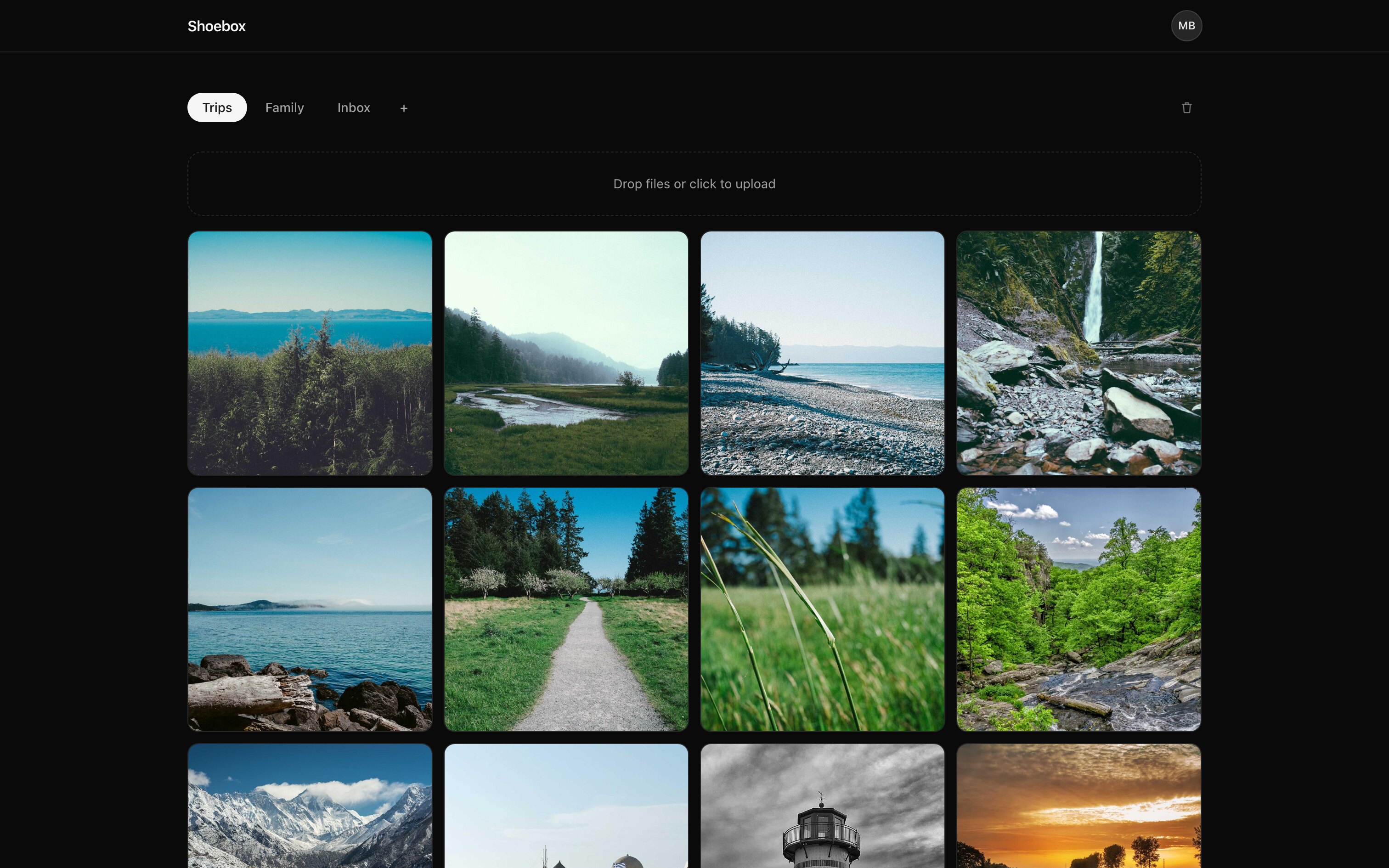
Galleries are pill tabs above a single upload area. Photos appear in a grid of 600×600 previews generated by Appwrite Storage, 24 at a time, with a “Load more” button. The open gallery is kept in the URL, so a refresh lands on the same one.
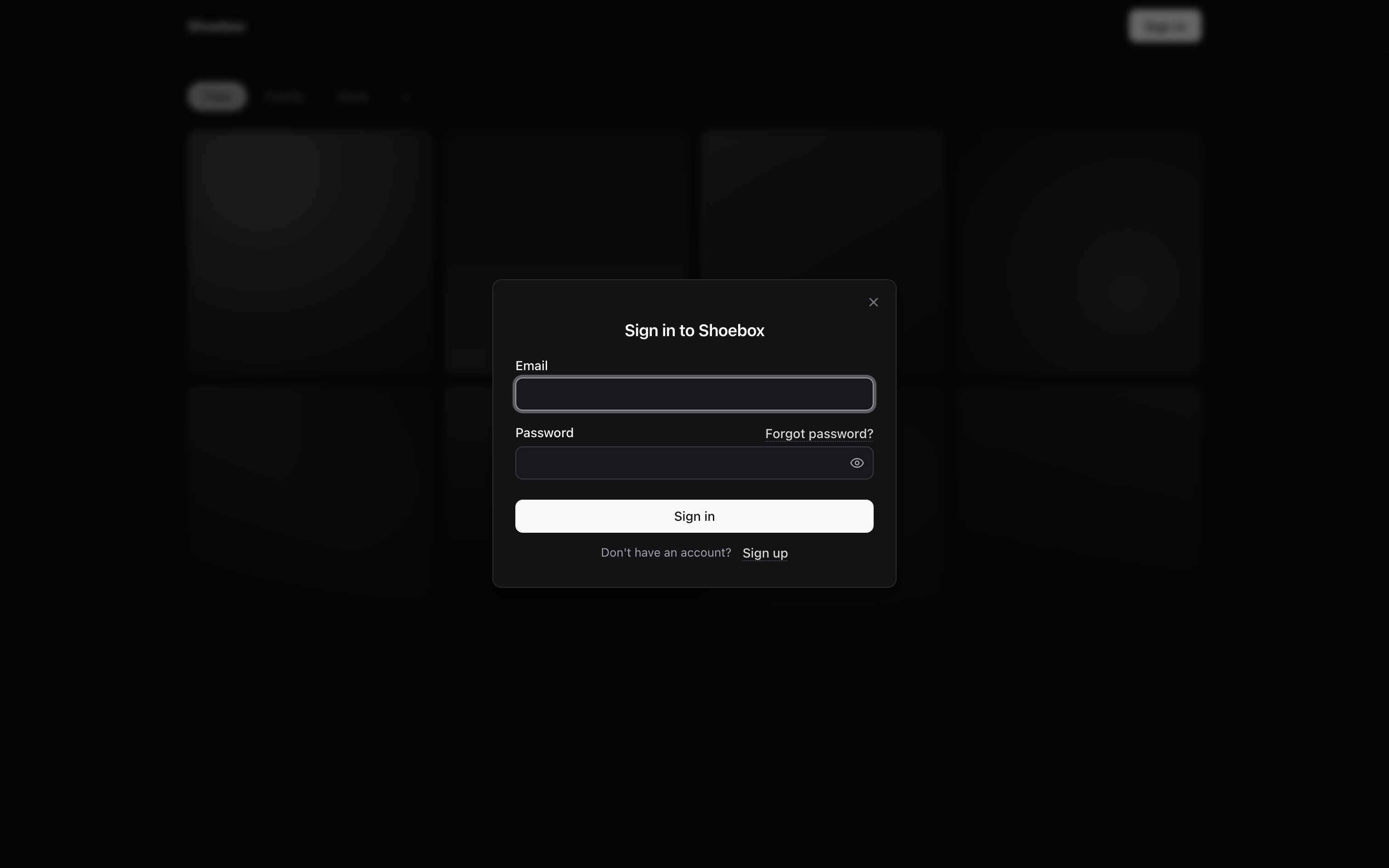
Sign-in is entirely Auth UI 2: a single web component that opens a modal with email and password, sign-up, and password reset. Signed-out visitors see a dimmed version of the app behind it instead of a landing page.
There are no dialogs for managing galleries. The plus button turns into a text field styled like an active tab, so the caret is the only sign that you are editing. A double-click renames a gallery the same way, and dragging a photo onto another tab moves it there.

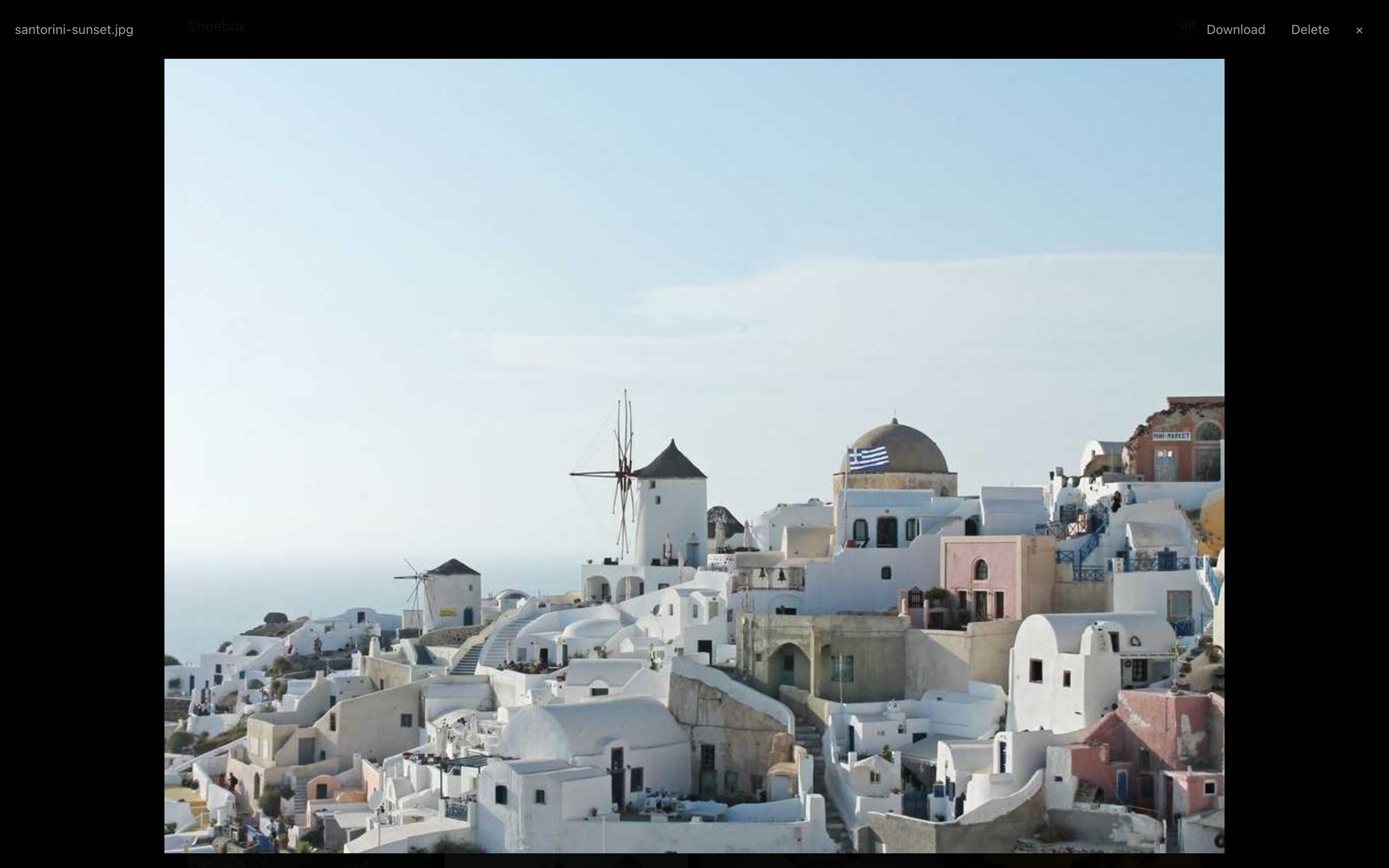
Clicking a photo opens the original file in a full-screen lightbox, with download and delete actions.
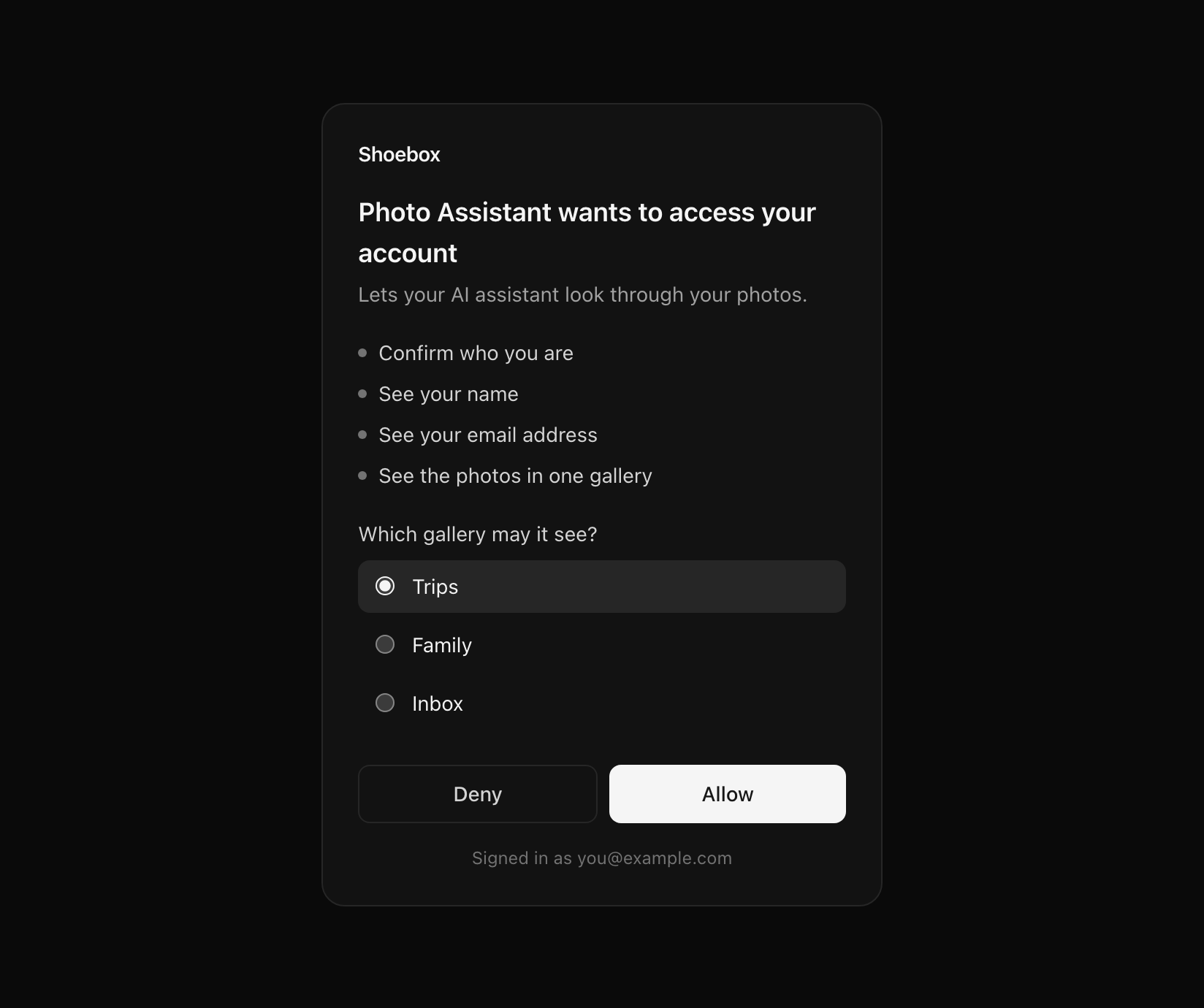
The consent screen is the reason Shoebox exists. When an app asks to access your account, Shoebox lists what it wants in plain language and asks one question: which gallery may it see? The grant is limited to that one gallery using Rich Authorization Requests (RFC 9396), a standard for asking access to a specific resource rather than a broad scope. The app then calls a small Appwrite Function with its access token. The function checks the token with the OAuth2 server and returns the photos of that gallery as links that expire after one hour.
Retrospective
Building Shoebox before the presentation paid off, because it found real problems. The S3 proxy didn’t work with the short-lived API keys that functions receive, and a few configuration screens were missing in the Appwrite Console. All of them were fixed before Friday.
The two trickiest bugs were small but annoying. The static build serves the consent page from /consent/, and the hosting redirect from /consent dropped the query string that carries the grant ID. The second was cookies: the app and the Appwrite API live on different domains, so browsers that block third-party cookies refused to load private images.
Most of the first version was written by an agent, and its code was complex, hard to read and full of comments. That doesn’t work when the code is on a shared screen during a talk. A single prompt cleaned it up, and the small, straightforward result explains how the SDK does each step much better.
I didn’t learn much new from this project. I developed the OAuth2 server myself, so I already had the knowledge. What Shoebox gave me is a way to share that knowledge that people can come back to later. Nobody likely uses it as their photo gallery, and that’s fine. It’s used in talks and as a showcase for developers trying to understand the OAuth2 server, and I am happy with how it turned out.
Future plans
No new features are planned. Ideas like sorting by photo date, search or share links would be good improvements, but staying minimal is the point. Shoebox will remain a small demo of the OAuth2 server, and I will keep referencing it in talks, presentations and community support.